Automate Business Workflows: Boost Efficiency Today
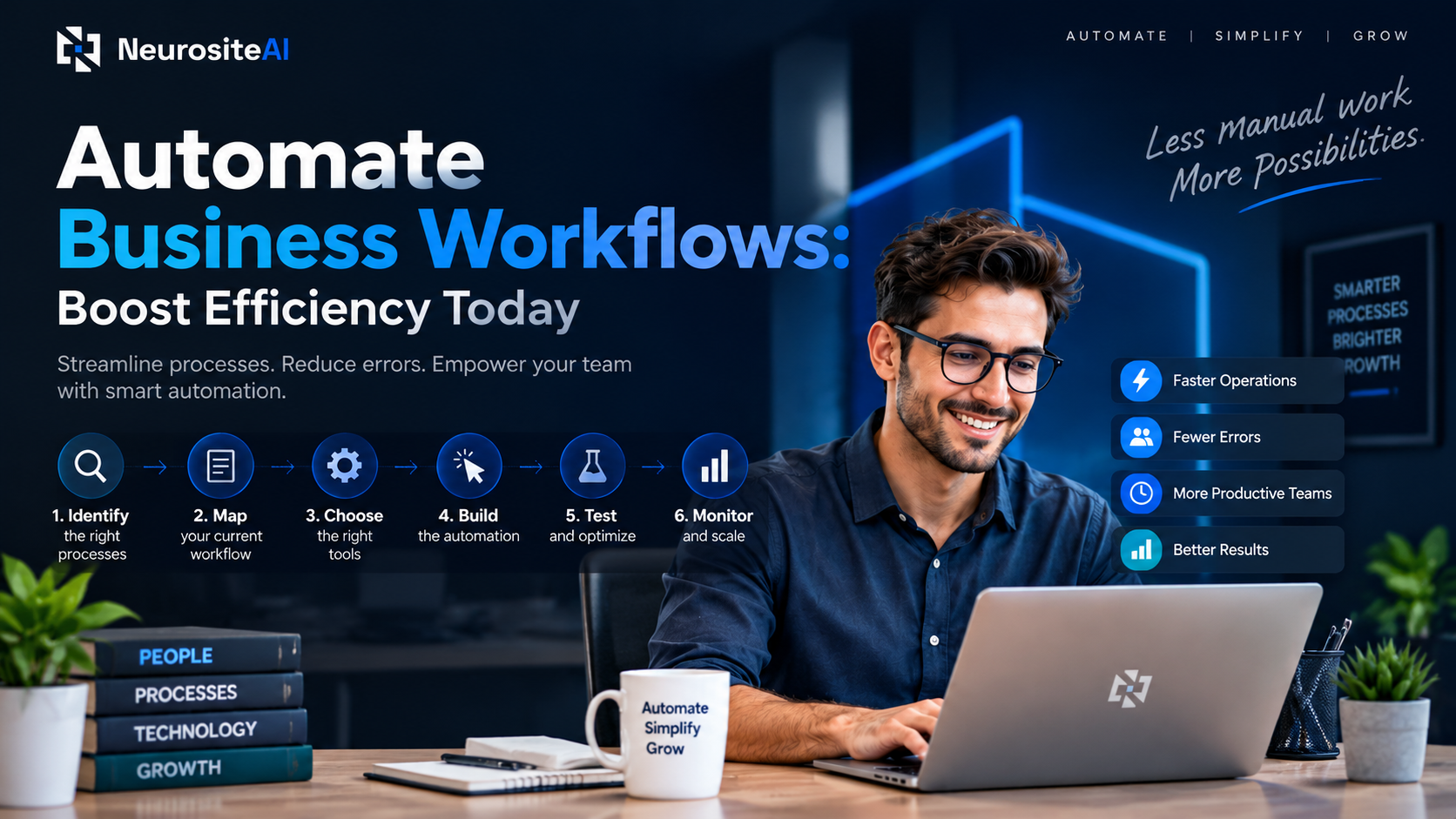
Table of contents
Introduction
Every business wants to save time, reduce unnecessary work, and improve productivity. But many companies still rely on repetitive manual tasks that slow down daily operations. Employees spend hours copying data, sending follow-up emails, updating spreadsheets, approving documents, and managing routine processes that could be handled automatically.
This is where business workflow automation changes the way organizations operate.
Workflow automation allows businesses to use software tools and intelligent systems to complete repetitive processes without constant human involvement. Instead of employees manually moving tasks from one stage to another, automated workflows can trigger actions, send notifications, update records, and complete approvals based on predefined rules.
For small businesses, automation creates more room to focus on growth. For larger organizations, it helps maintain consistency across departments while reducing operational complexity.
Modern automation is no longer limited to large enterprises with expensive technology budgets. Today, businesses of all sizes can automate marketing campaigns, customer communication, employee onboarding, accounting tasks, and internal approvals using affordable workflow automation platforms.
The goal is not to replace people. The goal is to allow employees to spend more time on strategic work while technology handles repetitive processes.
Understanding Business Workflow Automation
What is workflow automation?
Workflow automation is the process of using technology to automate a sequence of tasks, decisions, and actions involved in completing a business process.
A workflow represents how work moves inside an organization. For example, when a customer fills out a contact form, several actions may follow:
The customer information is stored in a CRM system
A confirmation email is sent automatically
A sales representative receives a notification
A follow-up task is created
The lead status is updated
Without automation, employees would need to perform each step manually. With workflow automation, these actions happen automatically based on specific triggers and conditions.
A workflow automation system typically follows a simple structure:
Trigger → Action → Decision → Completion
Example:
Trigger: Customer submits a quote request.
↓
Action: The system creates a new customer record.
↓
Decision: Lead quality is evaluated.
↓
Completion: The sales team receives a follow-up notification.
This creates a faster and more reliable business process.
Key elements in business process automation
Successful workflow automation depends on several important components working together.
1. Triggers
A trigger starts the automated workflow. It can be an event, user action, or system update.
Examples:
New customer registration
Completed online purchase
Employee joining date
Invoice approval request
Form submission
Triggers tell the automation system when a process should begin.
2. Actions
Actions are the tasks performed automatically after a trigger occurs.
Examples include:
Sending emails
Creating documents
Updating customer records
Assigning tasks
Generating reports
Sending notifications
The more repetitive actions a business has, the more opportunities exist for automation.
3. Rules and Conditions
Business processes often require decisions. Automation systems use rules to determine what happens next.
Example:
If a customer spends more than $1,000:
→ Assign an account manager
If a customer spends less than $1,000:
→ Add to standard communication sequence
These conditions allow businesses to create personalized workflows.
4. Integrations
Modern businesses use multiple software platforms. Workflow automation connects these systems so information can move automatically.
Common integrations include:
CRM software
Accounting platforms
Email marketing tools
Customer support systems
Project management software
Human resource platforms
Integration removes data silos and improves collaboration.
Types of automation: Basic vs. intelligent workflow automation
Workflow automation can generally be divided into two categories: basic automation and intelligent automation.
Basic workflow automation
Basic automation follows predefined rules and performs repetitive tasks.
Examples:
Sending automatic email responses
Creating calendar reminders
Moving files between folders
Updating spreadsheets
Assigning tasks automatically
These workflows work best when processes are predictable and follow the same pattern every time.
Intelligent workflow automation
Intelligent automation combines automation with technologies such as artificial intelligence, machine learning, and natural language processing.
Examples:
AI-powered customer support responses
Automated document analysis
Predictive sales recommendations
Intelligent data classification
AI-based decision support
Unlike traditional automation, intelligent systems can analyze information and make recommendations based on patterns.
For example, an AI-powered sales workflow can analyze customer behavior, identify high-value leads, and prioritize follow-ups automatically.
Why Businesses Should Automate Workflows
Main benefits of automating business workflows
Workflow automation provides several advantages that directly impact business performance.
Improved productivity
Employees often spend a large portion of their day handling repetitive administrative work. Automation removes these tasks and allows teams to focus on activities that require creativity, problem-solving, and decision-making.
For example, instead of manually entering customer details into multiple systems, employees can allow automation software to synchronize information instantly.
Faster business processes
Manual workflows often create delays because tasks depend on individual availability.
A simple approval process may require:
Employee submission
Manager review
Finance approval
Final confirmation
With automation, notifications and approvals happen instantly. This reduces waiting time and keeps projects moving.
Better accuracy and consistency
Human errors are common in repetitive tasks. Incorrect data entry, missed deadlines, and forgotten follow-ups can affect business performance.
Automated workflows follow predefined rules every time, creating consistent results.
Examples:
Accurate invoice processing
Consistent customer communication
Reliable employee onboarding
Correct data updates
Better customer experience
Customers expect fast responses and smooth communication.
Automation helps businesses provide:
Instant email confirmations
Faster customer support
Personalized recommendations
Automated appointment reminders
Quick order updates
A better customer experience improves satisfaction and long-term loyalty.
How automation boosts efficiency and productivity
Efficiency is not only about working faster. It is about using resources more effectively.
Workflow automation improves efficiency by:
Reducing repetitive work
Employees no longer need to perform the same actions repeatedly.
Example:
A marketing team can automate:
Email campaigns
Lead segmentation
Customer follow-ups
Campaign reports
Improving team collaboration
Automated workflows ensure everyone knows what needs to happen next.
For example, when a sales opportunity reaches a specific stage:
Sales receives a reminder
Marketing prepares supporting materials
Management receives performance updates
Everyone stays aligned.
Creating better visibility
Automation platforms provide tracking and reporting features.
Managers can see:
Where tasks are delayed
Which processes perform well
How long tasks take
Where improvements are needed
This data helps businesses make smarter operational decisions.
Cost savings and reduced manual errors with automation
Many businesses hesitate to invest in automation because they believe it is expensive. However, workflow automation often reduces costs over time.
Cost savings come from:
Less manual labor for repetitive tasks
Fewer mistakes requiring corrections
Faster completion of business processes
Better resource allocation
For example, automated invoice processing can reduce the time finance teams spend checking and entering payment information.
Similarly, automated customer follow-up systems prevent lost opportunities caused by missed communication.
The biggest financial benefit is not only saving money. It is creating a system where employees can focus their time on activities that generate more business value.
Frequently Asked Questions (FAQs)
1. What is business workflow automation?
Business workflow automation is the use of software tools and technologies to automate repetitive business processes without requiring manual intervention. It helps organizations manage tasks such as customer follow-ups, approvals, data entry, reporting, and communication automatically based on predefined rules.
2. How can workflow automation improve business efficiency?
Workflow automation improves efficiency by reducing repetitive manual tasks, minimizing errors, speeding up processes, and helping employees focus on higher-value activities. Automated systems can handle routine operations faster while ensuring consistent results across different departments.
3. Which business processes can be automated?
Many everyday business processes can be automated, including customer onboarding, email marketing, sales follow-ups, invoice processing, employee onboarding, appointment scheduling, reporting, and internal approval workflows. The best processes to automate are usually repetitive, rule-based, and time-consuming.
4. Is workflow automation suitable for small businesses?
Yes, workflow automation is highly beneficial for small businesses. Affordable automation tools allow small companies to streamline operations, improve customer communication, reduce administrative workload, and compete more effectively without requiring a large technology budget.
5. What is the difference between workflow automation and AI automation?
Traditional workflow automation follows predefined rules to complete repetitive tasks, such as sending emails or updating records. AI automation uses technologies like machine learning and natural language processing to analyze information, make recommendations, and handle more complex decision-making processes. AI automation adds intelligence to standard workflows.

Senior SEO, AEO, AIO & GEO Specialist
Mithun is a senior SEO, AEO, AIO, and GEO specialist with 7+ years of experience specializing in technical SEO, semantic…
View full profile →Share this article